The Windows notch for OpenCodeWatchbird forOpenCode
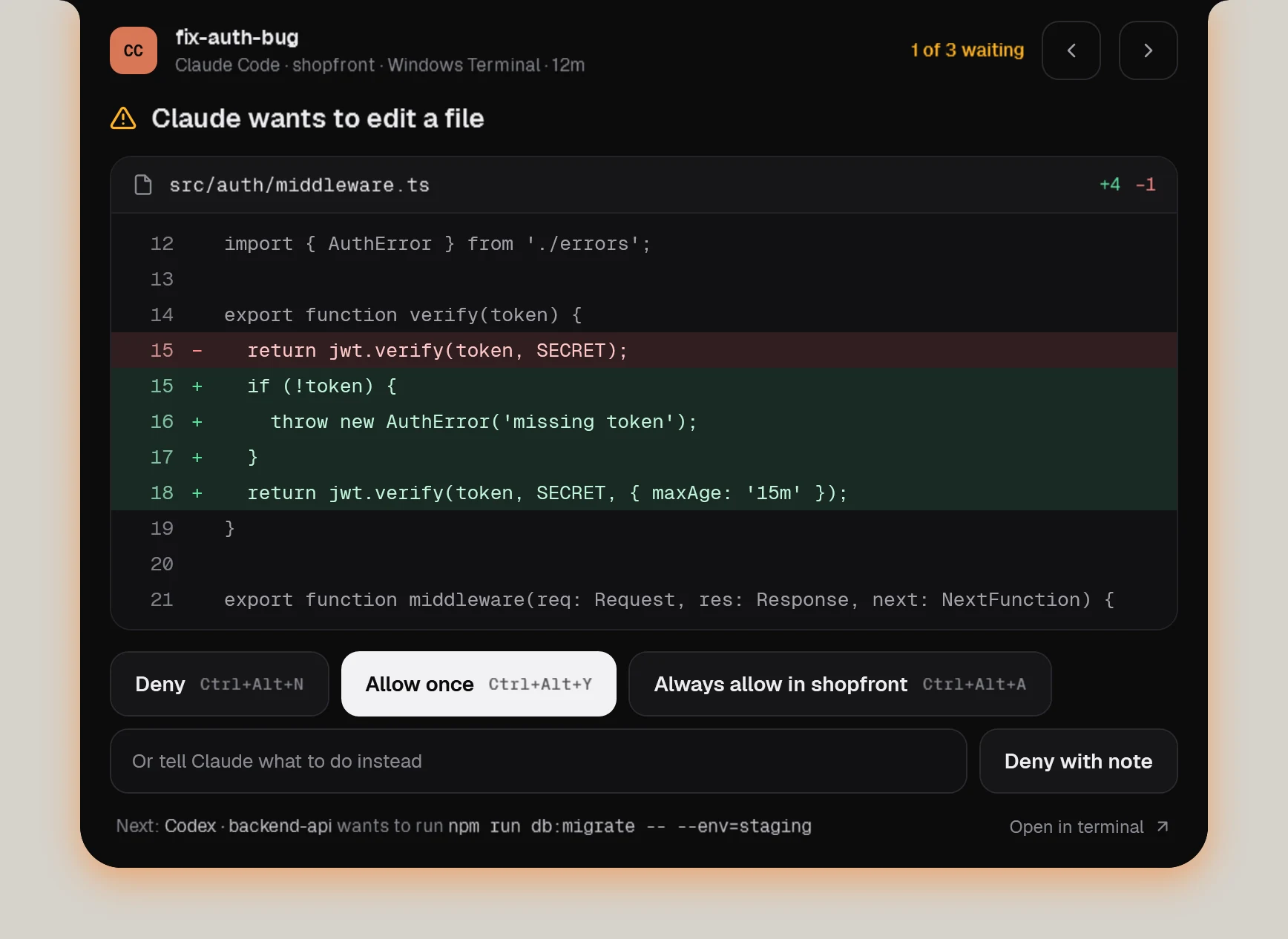
OpenCode gets a small Watchbird plugin. It forwards permission requests and questions to the notch and replies through OpenCode’s own local server — the first answer wins, in the notch or in the TUI.
OpenCode
What works
| Session status in the notch | Yes |
|---|---|
| Approve edits & commands | Yes, in the notch |
| Questions & plans | Yes, in the notch |
| Jump to terminal or editor | Yes, one click |
| Follow-up messages | Yes, delivered when the agent is ready |
| Usage & context | Context, tokens and cost |
OpenCode
How Watchbird connects
Through a small plugin in ~/.config/opencode/plugins/watchbird.js. It only talks to Watchbird on your PC, and Settings → Agents removes it again with one click.
Set up in three steps
- 01Get Watchbird from the Microsoft Store — the first 15 days are free.
- 02Start it. The setup finds OpenCode on your PC and connects it with one click.
- 03Start a new OpenCode session. The notch shows it from the first prompt.
Good to know
- Approvals, questions and plan exits work from the notch.
- “Always allow” also uses OpenCode’s own “always” reply for the rest of the session.
- If Watchbird isn’t running, the plugin simply does nothing.
Other agents
The agents are installed separately. Watchbird is an independent product and is not affiliated with or endorsed by their makers; all product names are trademarks of their respective owners.